Compare 26-check biweekly schedules with 24-check semimonthly schedules and plan around each. This detailed guide explains the numbers, decisions and practical checks involved in biweekly versus semimonthly pay so that you can move from a headline figure to a more realistic understanding of your money.
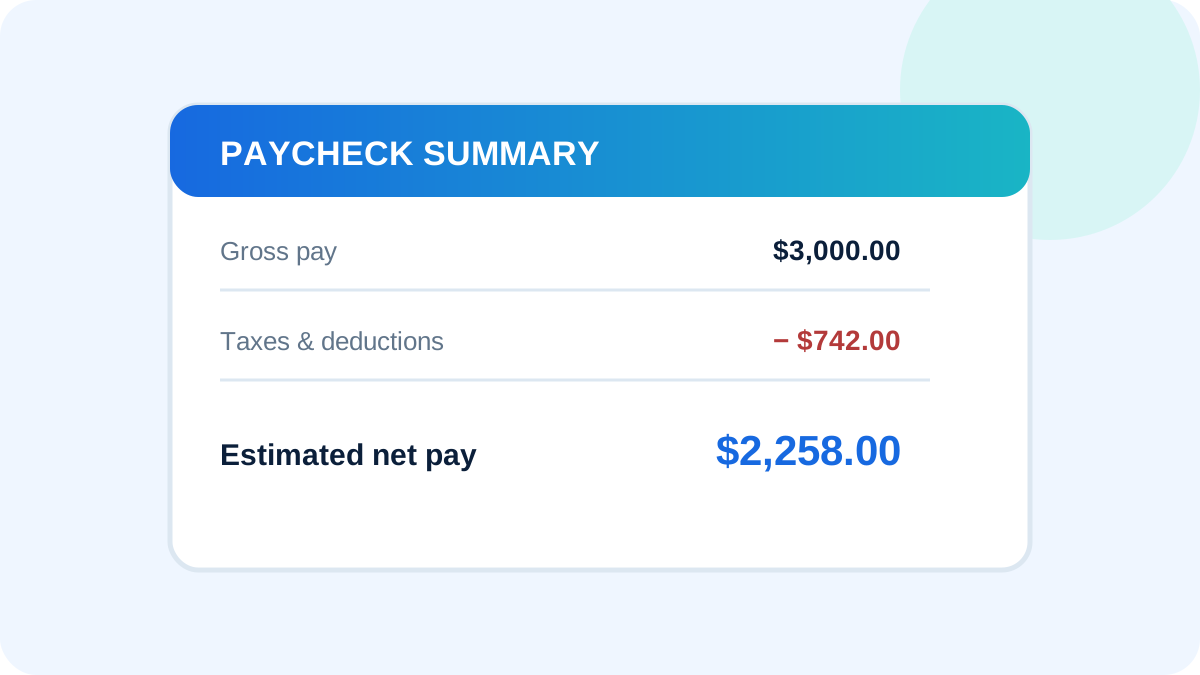
Biweekly and semimonthly pay schedules sound similar, but they create different check amounts and calendars. Knowing which system an employer uses helps you interpret an offer and construct a realistic monthly budget.
Biweekly pay
Biweekly employees are paid every two weeks, usually on the same weekday. A normal year contains 26 checks, and occasionally calendar timing can produce 27. Most months contain two checks, while two months typically contain three.
Semimonthly pay
Semimonthly employees are paid twice per month, commonly on fixed dates such as the 15th and final business day. That produces 24 checks per year. Because dates can fall on weekends or holidays, the exact payday may shift.
Why check amounts differ
For the same annual salary, a semimonthly check is normally larger because salary is divided by 24 instead of 26. Annual gross pay remains the same. Deductions may also be distributed differently depending on the employer’s benefit system.
Budgeting with biweekly pay
A cautious approach is to build normal monthly expenses around two checks. The two three-check months can then support irregular expenses, savings or debt reduction. Do not assume the extra check is entirely free cash if some benefits are deducted differently.
Budgeting with semimonthly pay
Fixed twice-monthly dates can line up neatly with bills, but payday weekdays change. Use a calendar to ensure cash is available before rent, mortgage and automatic payments. A small checking buffer can prevent timing problems.
Why biweekly versus semimonthly pay matters for real-world planning
Payroll information is easy to underestimate because an annual salary or hourly rate is usually the most visible number. Daily financial decisions, however, are funded by the amount deposited after withholding and deductions. A useful analysis connects the annual number to each pay period, identifies mandatory taxes, separates voluntary benefits and accounts for the state and locality in which the work is performed.
Consider a salaried employee planning bills around either 26 or 24 checks per year. The correct answer is rarely found by applying one flat percentage. Filing information, pay frequency, taxable benefits, retirement contributions and state rules can all change the result. The goal is not to predict a paycheck to the cent without payroll records. The goal is to build a transparent estimate, understand the assumptions and know what to verify when the actual statement arrives.
Use the Selvox US Paycheck Calculator to test a salary or hourly figure. Change one input at a time and record the difference. This makes the calculator a comparison tool rather than a black box and helps explain which choices have the greatest effect on estimated take-home pay.
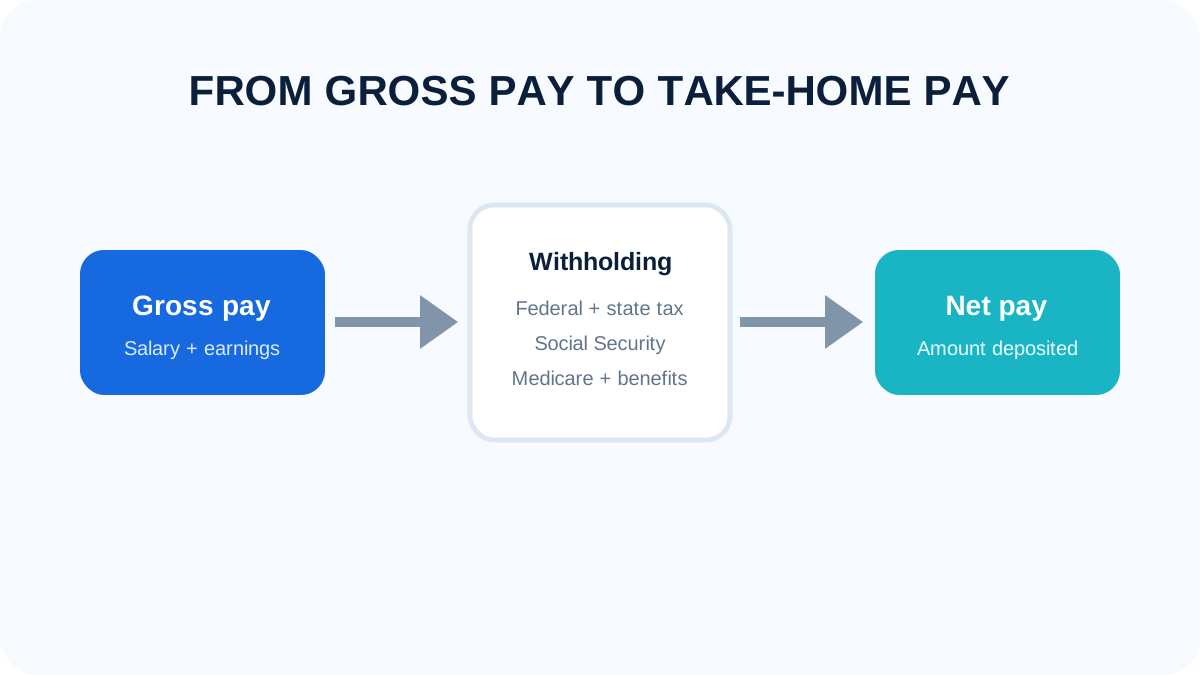
A step-by-step method you can reuse
- Confirm the gross annual salary or hourly rate and identify any expected overtime, bonuses, commissions or unpaid periods.
- Identify the pay schedule. Weekly, biweekly, semimonthly and monthly payrolls divide annual compensation differently.
- List deductions that may reduce taxable wages, but check which taxes each deduction actually affects.
- Estimate federal income-tax withholding using the correct filing status and current information rather than a remembered flat percentage.
- Calculate the employee portions of Social Security and Medicare separately from federal income tax.
- Include state withholding and investigate city, county or school-district payroll taxes where they may apply.
- Subtract post-tax deductions and compare the result with both annual and per-pay-period expectations.
- Review the first complete pay stub and update the estimate when real payroll data differs from an assumption.
How to compare two compensation scenarios
When comparing jobs, schedules or benefit elections, keep the assumptions consistent. Use the same filing status and household information, then change only the salary, state, pay frequency or benefit in question. Record gross pay, estimated taxes, employee benefit costs and net pay for each version. A side-by-side table prevents a larger check from hiding weaker health coverage, a longer commute or a smaller employer retirement contribution.
Annualize every recurring amount. A difference of $35 per biweekly check becomes $910 across 26 checks. A $150 monthly premium becomes $1,800 per year. Small payroll entries can therefore matter more than they appear to on a single statement. Also separate cash compensation from employer-paid value, because an employer contribution may improve total compensation without increasing the bank deposit.
Common mistakes to avoid
Assuming twice a month means every two weeks
This mistake can distort an estimate and lead to an unrealistic budget. Replace the assumption with a documented number from an offer letter, benefit guide, official tax source or pay stub. If the exact value is unavailable, label the estimate clearly and test a reasonable range rather than presenting one uncertain figure as guaranteed.
Budgeting every month around three checks
This mistake can distort an estimate and lead to an unrealistic budget. Replace the assumption with a documented number from an offer letter, benefit guide, official tax source or pay stub. If the exact value is unavailable, label the estimate clearly and test a reasonable range rather than presenting one uncertain figure as guaranteed.
Comparing individual checks instead of annual pay
This mistake can distort an estimate and lead to an unrealistic budget. Replace the assumption with a documented number from an offer letter, benefit guide, official tax source or pay stub. If the exact value is unavailable, label the estimate clearly and test a reasonable range rather than presenting one uncertain figure as guaranteed.
Ignoring how benefits are distributed
This mistake can distort an estimate and lead to an unrealistic budget. Replace the assumption with a documented number from an offer letter, benefit guide, official tax source or pay stub. If the exact value is unavailable, label the estimate clearly and test a reasonable range rather than presenting one uncertain figure as guaranteed.
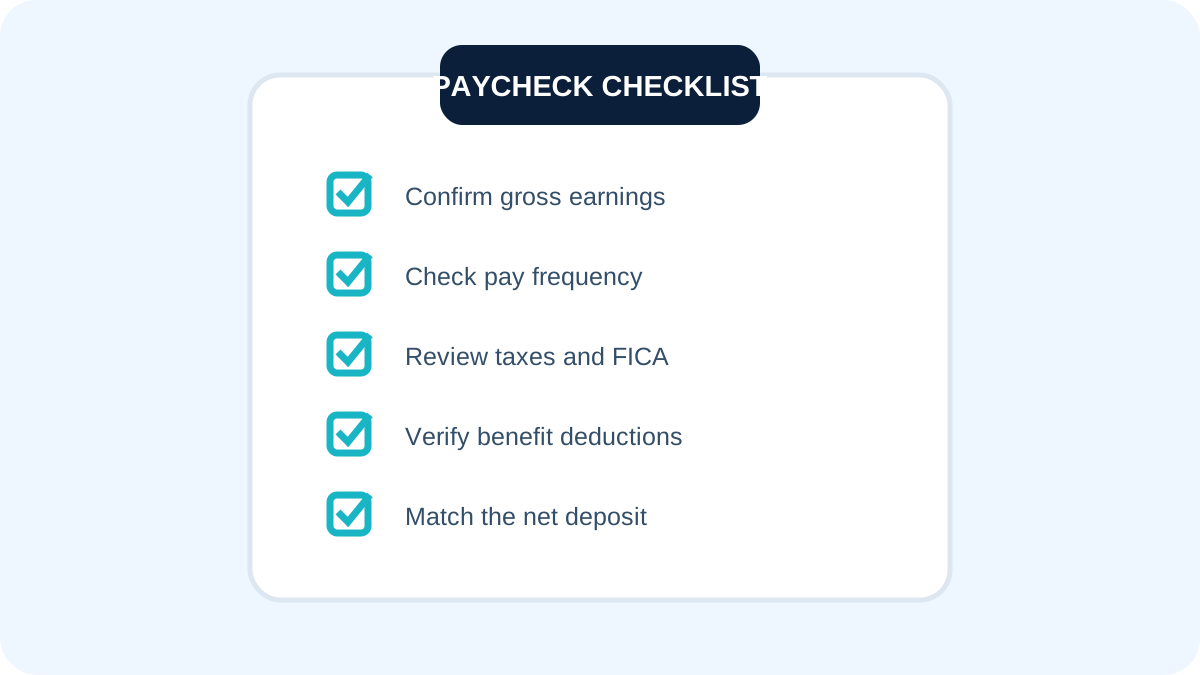
A practical paycheck review checklist
- Confirm the employee name, employer and pay-period dates.
- Check salary, regular hours, overtime hours and additional earnings.
- Compare gross pay with federal, Social Security, Medicare and state taxable wages.
- Review every tax line and compare current amounts with year-to-date totals.
- Confirm health, retirement and other benefit elections.
- Distinguish employee deductions from employer-paid contributions.
- Match net pay with all direct-deposit allocations.
- Ask payroll promptly about an unfamiliar or unexpected entry.
Using estimates responsibly
A calculator is most useful for planning and comparison. It cannot automatically know every detail on a Form W-4, every state allowance, local tax, bonus method, credit or employer benefit rule. Treat the output as a well-organized estimate and use actual payroll documentation for reconciliation. For tax filing, complex multi-state work or a major financial decision, consult official guidance or a qualified professional.
Revisit the calculation after a raise, job change, move, marriage, divorce, new dependent, benefit enrollment or change in outside income. A model that was reasonable at the beginning of the year can become outdated when household or employment facts change.
Frequently asked questions
Can an online calculator match my paycheck exactly?
Usually not to the cent. Payroll systems use detailed federal, state, local and benefit information. A calculator is a planning estimate that becomes more useful when its assumptions match your actual forms and deductions.
Should I use gross or net income for a budget?
Use reliable net deposits for recurring spending. Gross income remains useful for comparing compensation and calculating savings rates, but it is not the amount available to pay bills.
Why did my withholding change when salary did not?
A new tax year, benefit election, bonus, payroll correction, updated form or reaching an annual wage threshold can change withholding even when base salary is unchanged.
Do pre-tax deductions reduce every tax?
No. The tax treatment depends on the deduction. Some amounts reduce federal taxable income but remain subject to Social Security or Medicare, while other qualified benefits receive different treatment.
How often should I review payroll information?
Review every statement briefly and perform a deeper check after major changes. Catching an incorrect rate, missing hours or wrong benefit election early makes correction easier.
Where should I continue reading?
Explore the Selvox blog and related payroll guides, then use the calculator to test the examples with your own figures.
Related Selvox resources
Calculate Take Home Pay · Gross Pay Vs Net Pay · How To Read A Pay Stub · Browse all paycheck and tax guides.
Final takeaway
Biweekly vs. Semimonthly Pay: Dates, Checks and Budgeting becomes easier to understand when each number has a clear source. Begin with gross earnings, work through taxes and deductions in the correct order, compare annual and per-check totals, and verify the estimate against payroll documents. That process produces a more dependable plan than relying on a single percentage or generic rule of thumb.
Keep a short record of the assumptions used in the calculation, including the date and tax year. This makes later comparisons meaningful and prevents an old rate or benefit amount from being reused accidentally. For biweekly versus semimonthly pay, this review step improves the quality of the final estimate and makes differences easier to explain.
If income changes from check to check, calculate a conservative baseline from ordinary hours and treat overtime, bonuses or commissions separately. Fixed expenses are safer when they do not depend on the strongest paycheck of the year. For biweekly versus semimonthly pay, this review step improves the quality of the final estimate and makes differences easier to explain.
Estimate your take-home pay
Use salary, state and filing status to see a quick breakdown.